OMNIMOTION / GUIDE
From “what if” to “here’s how”.
Pick what you want to make. Follow the steps, inspect the real interface, and keep exploring.
Start here
Design
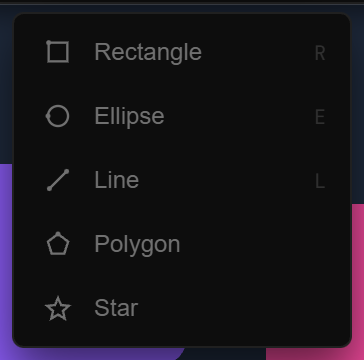
A GOOD PLACE TO STARTBuild with layers
Drawing & layersText animationGuide draftBones & deformGuide draftVariable fontsGuide draftImages & videoGuide draftMapsGuide draftComponentsGuide draftImporting HTML & Stitch screensGuide draftLayout & CascadeGuide draftResponsive & ScreensGuide draftVirtual RepeatGuide draftStyling, masks & blendGuide draftProperties & styling
Effects
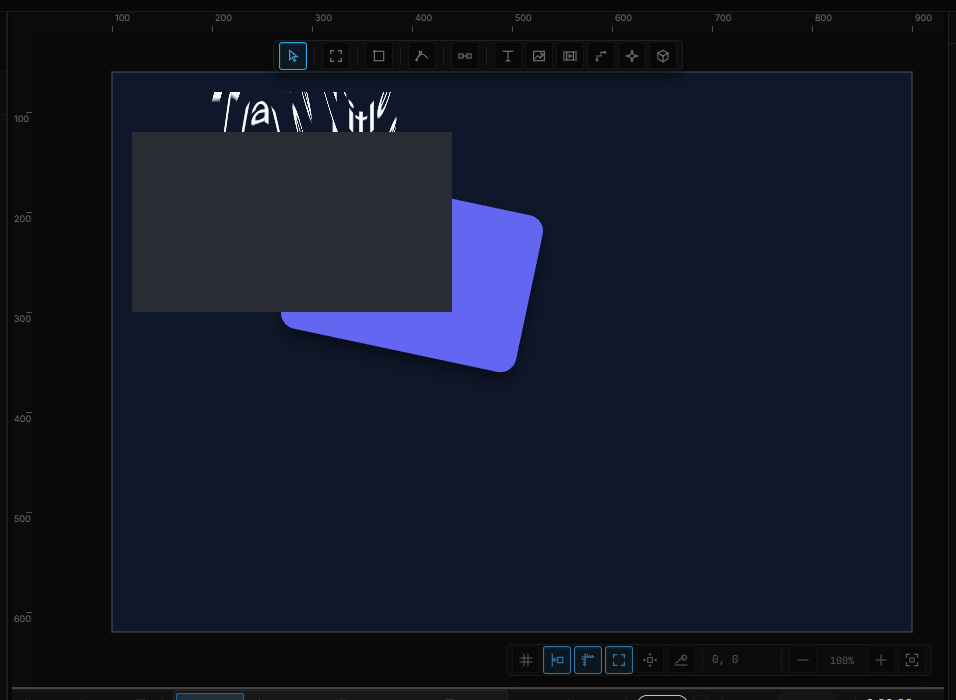
A GOOD PLACE TO STARTChoose what the effect changes
Animation

A GOOD PLACE TO STARTExplore the timeline
Interaction

A GOOD PLACE TO STARTMake a click do something
3D scenes
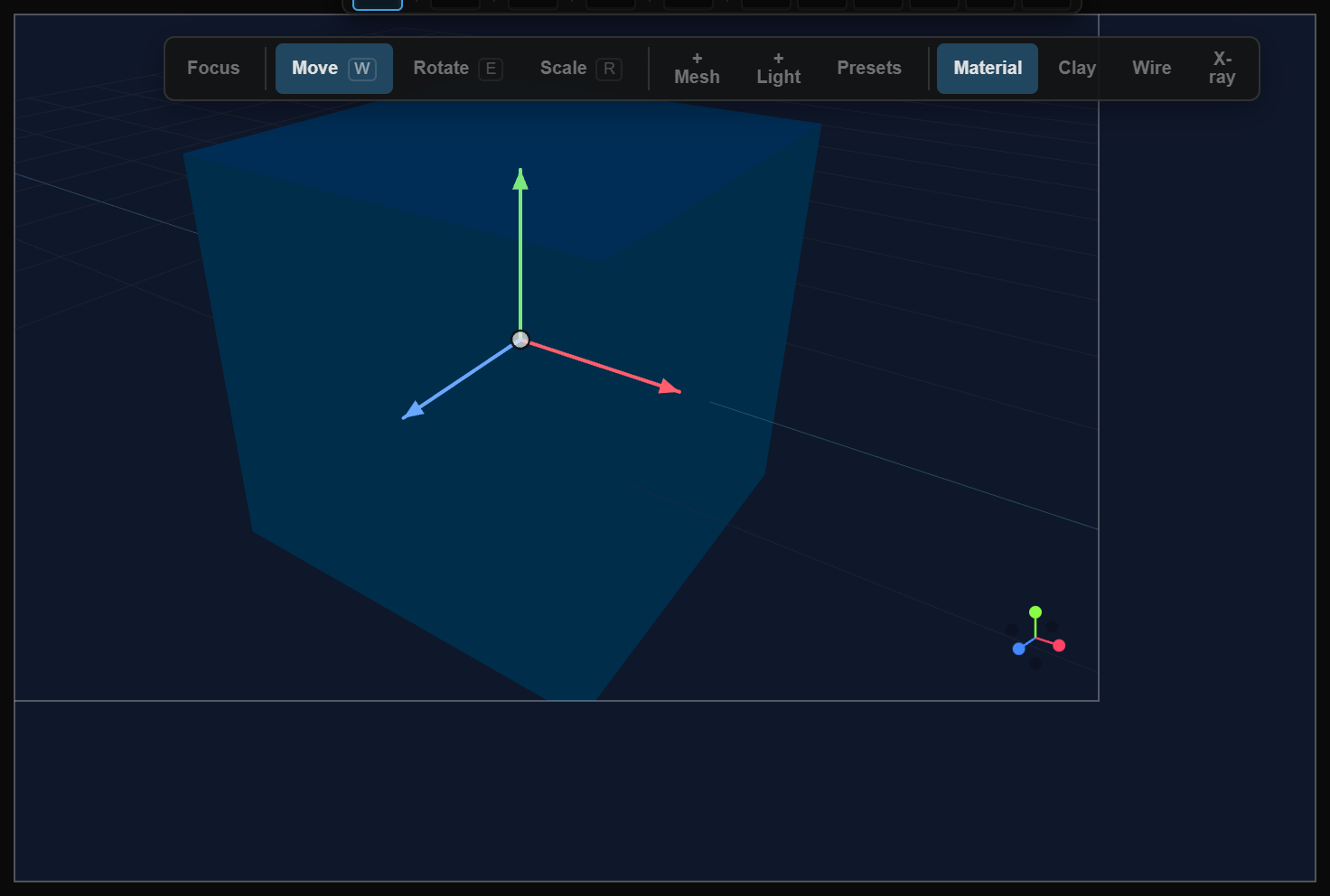
A GOOD PLACE TO STARTBuild your 3D scene
Sound & live data
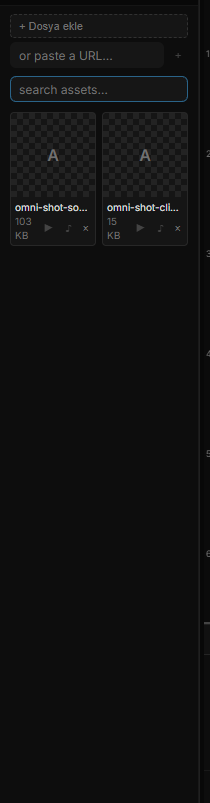
A GOOD PLACE TO STARTAdd sound to the timeline
AI creation
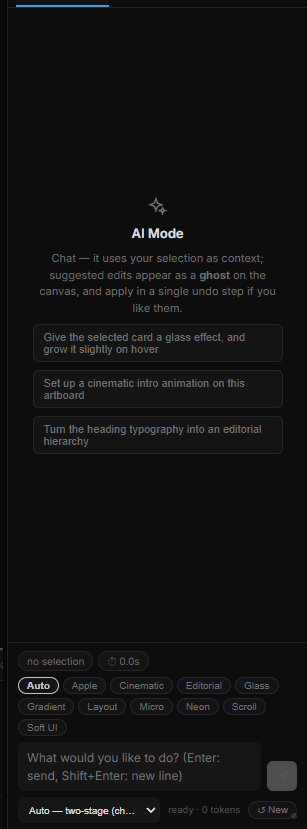
A GOOD PLACE TO STARTBuild and edit with AI
Publish & share
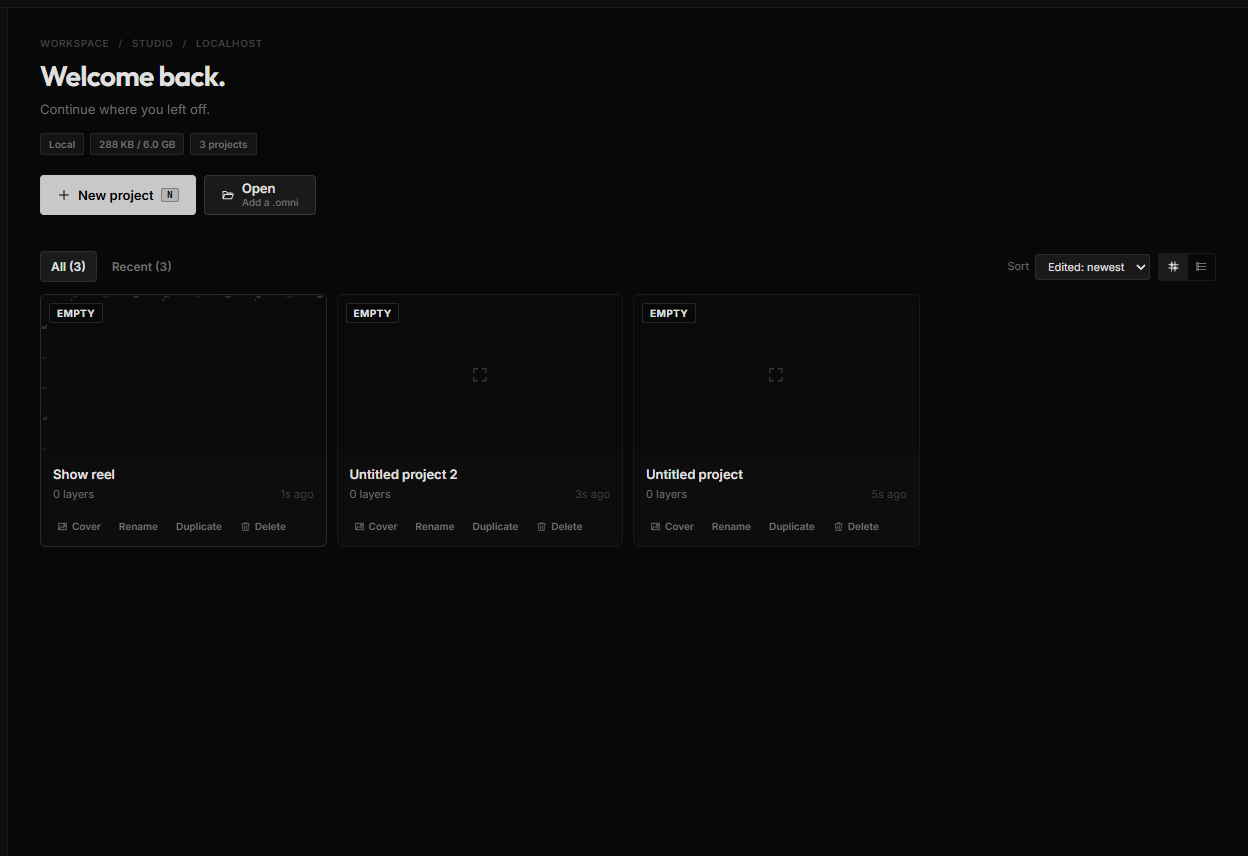
A GOOD PLACE TO STARTSave your editable project
OmniController
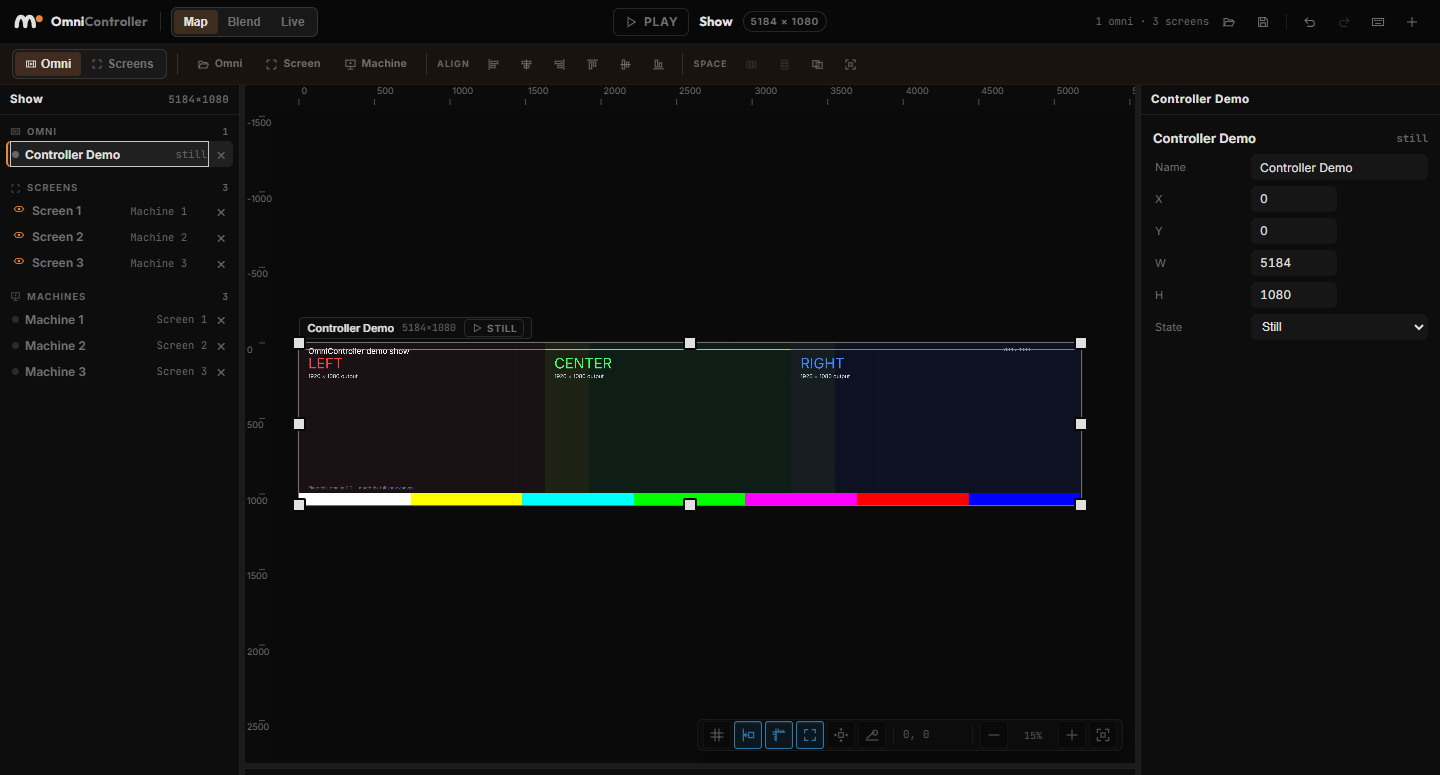
A GOOD PLACE TO STARTMap the scene to the space