04 / Interaction
Design the response.
Build visual rules with triggers and actions. Connect states, streams, scroll, variables and device inputs to your scene.
Start here: Visual rulesEvents become actions
A click can start a sequence or change a property. Define the trigger, target and action with the interaction tools, then try the result in play mode.

Continuous inputs
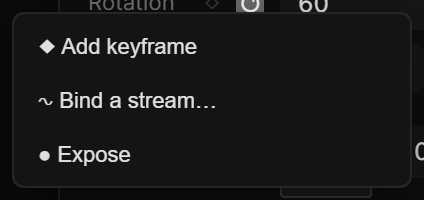
Streams and variables connect changing values to your scene. Use scroll position or an input value to shape behavior beyond a single start-and-stop event.
States, scroll & devices
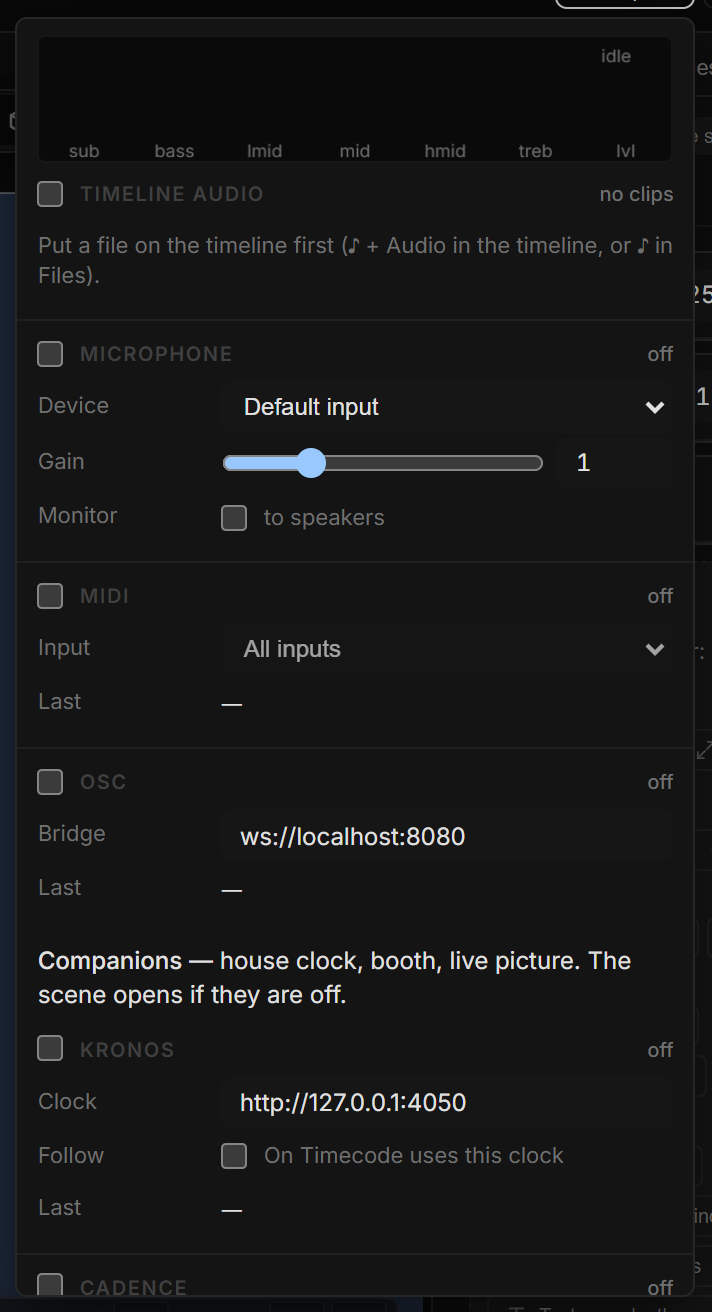
Work with states, scroll sections and snaps. For external controls, the guide covers MIDI, OSC, Learn and companion connections; the required connection depends on the device and setup.
Go deeper
Continue with the feature guides below. Draft labels describe the documentation status.