Create for the full canvas
Work with custom proportions and combine 2D, 3D and motion. There is no software-imposed ceiling on canvas dimensions or total pixels; playback depends on scene complexity and hardware.
Build a showStages, events & installations
Design the creative scene once, arrange the output surfaces around the venue and coordinate players across PCs. Connect the visuals to sound and live controls when the project calls for it.
Plan your projectStart with the full composition, define each screen’s region, then assign players. Add sound-driven movement and use the live desk during playback.
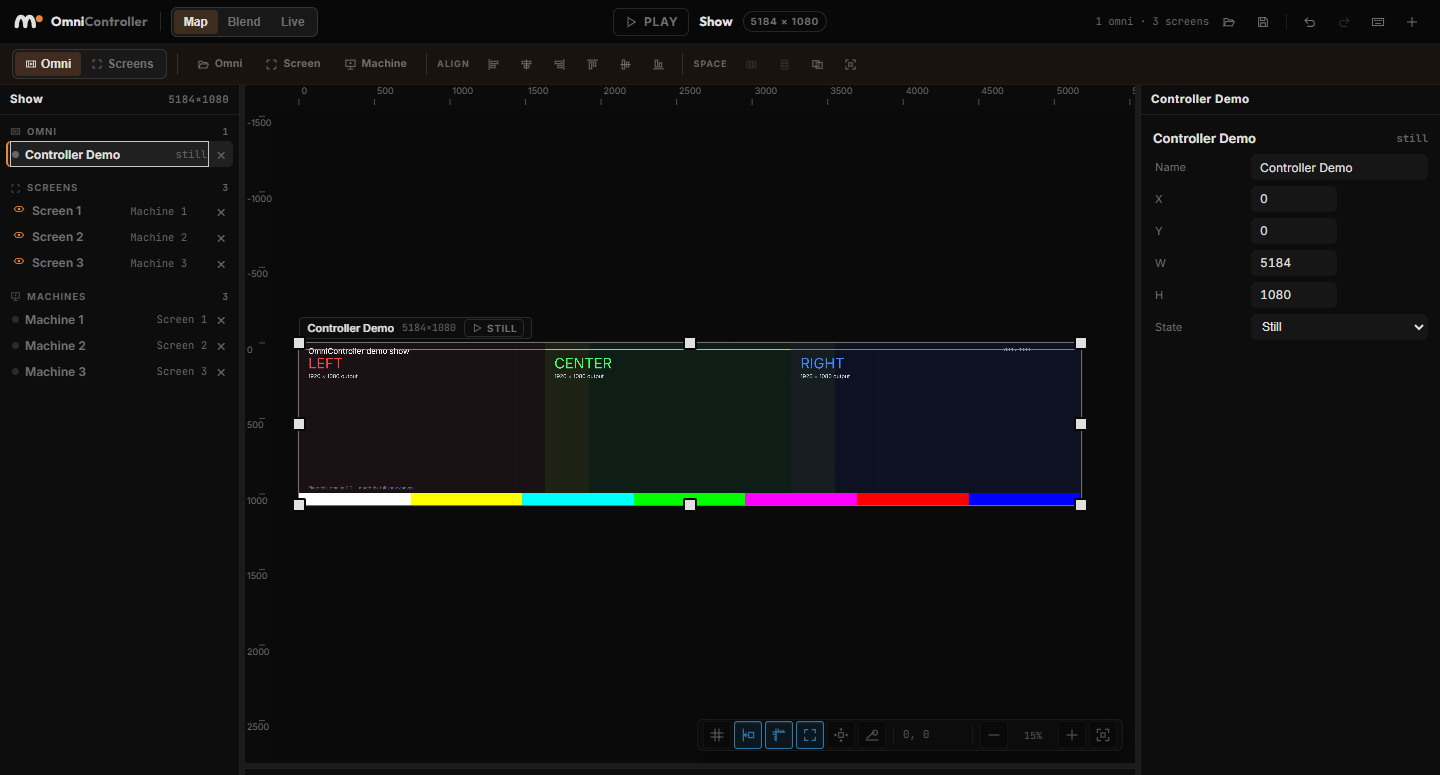
Work with custom proportions and combine 2D, 3D and motion. There is no software-imposed ceiling on canvas dimensions or total pixels; playback depends on scene complexity and hardware.
Build a showAssign display regions to machines, connect players and distribute the project. Linked players follow shared media time; validate the setup on the actual rig.
Connect multiple playersUse audio analysis to drive scale, glow or 3D lighting. MIDI and OSC inputs can connect a control surface to scene behaviour.
Build audio-reactive visualsUse the software with your team, or involve OmniMotion for technical support and project work. Agree the scope around your existing tools, outputs and delivery needs.
Prepare a project brief