Build and refine the scene
Design in 2D and 3D or ask the assistant to work on layers, keyframes and rules. Review the editable result and undo an AI turn when you need to.
Explore editable AI creationStudios, agencies & brands
Create independently or build a repeatable workflow for your organisation. Keep layers editable, reuse components and deliver interactive work for the web and physical displays.
Plan your projectBuild a reusable composition, adapt its content and layout, then run it as an interactive web scene or prepare display outputs for an event. Each destination has its own delivery setup.
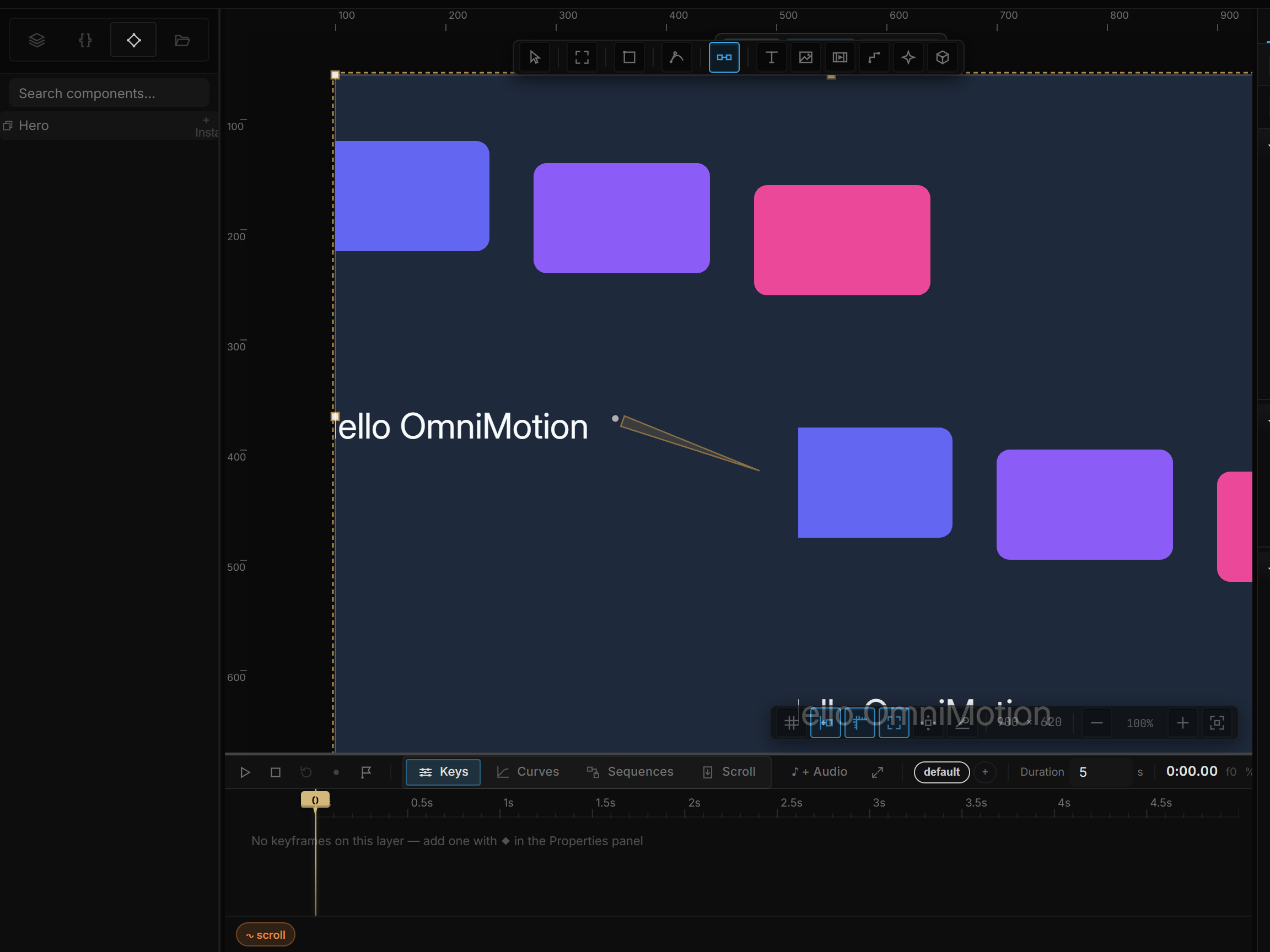
Design in 2D and 3D or ask the assistant to work on layers, keyframes and rules. Review the editable result and undo an AI turn when you need to.
Explore editable AI creationUse masters, instance overrides, exposed properties and variants. Adapt layouts to phone, desktop and portrait screens without rebuilding every composition.
Explore responsive layoutsEmbed an interactive player, connect your application through the runtime API or export image and video files. Use OmniController for mapped physical displays.
Explore web deliveryUse the software with your team, or involve OmniMotion for technical support and project work. Agree the scope around your existing tools, outputs and delivery needs.
Prepare a project brief