Build the scene. Keep every layer.
Build with layers, masks and typography. Reuse components with master updates, instance overrides and variants; adapt layouts for different screens.
Start here: Drawing & layersDrawing & layers
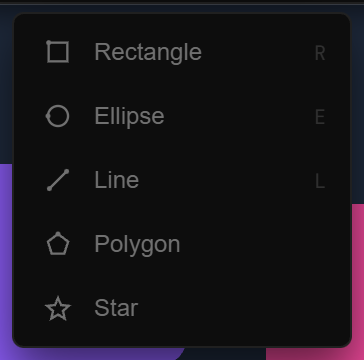
Build with shapes, paths and text. Organize elements as layers, adjust their properties and control their order in the composition. The scene remains a structure you can return to and edit.
Reusable design
Components help you reuse a design across a scene. Layout and Cascade, responsive screens and Virtual Repeat provide ways to organize repeated content and adapt compositions to different arrangements.
One master, many variations
Update a master to change its instances, override the content of an individual instance and expose the properties you want others to edit. Use variants for different arrangements of a component.
Explore variantsLayouts that fit the screen
Pin or stretch layers as their parent changes size. Define screen-specific layouts for phone, desktop or portrait formats within the project.
Build a responsive layout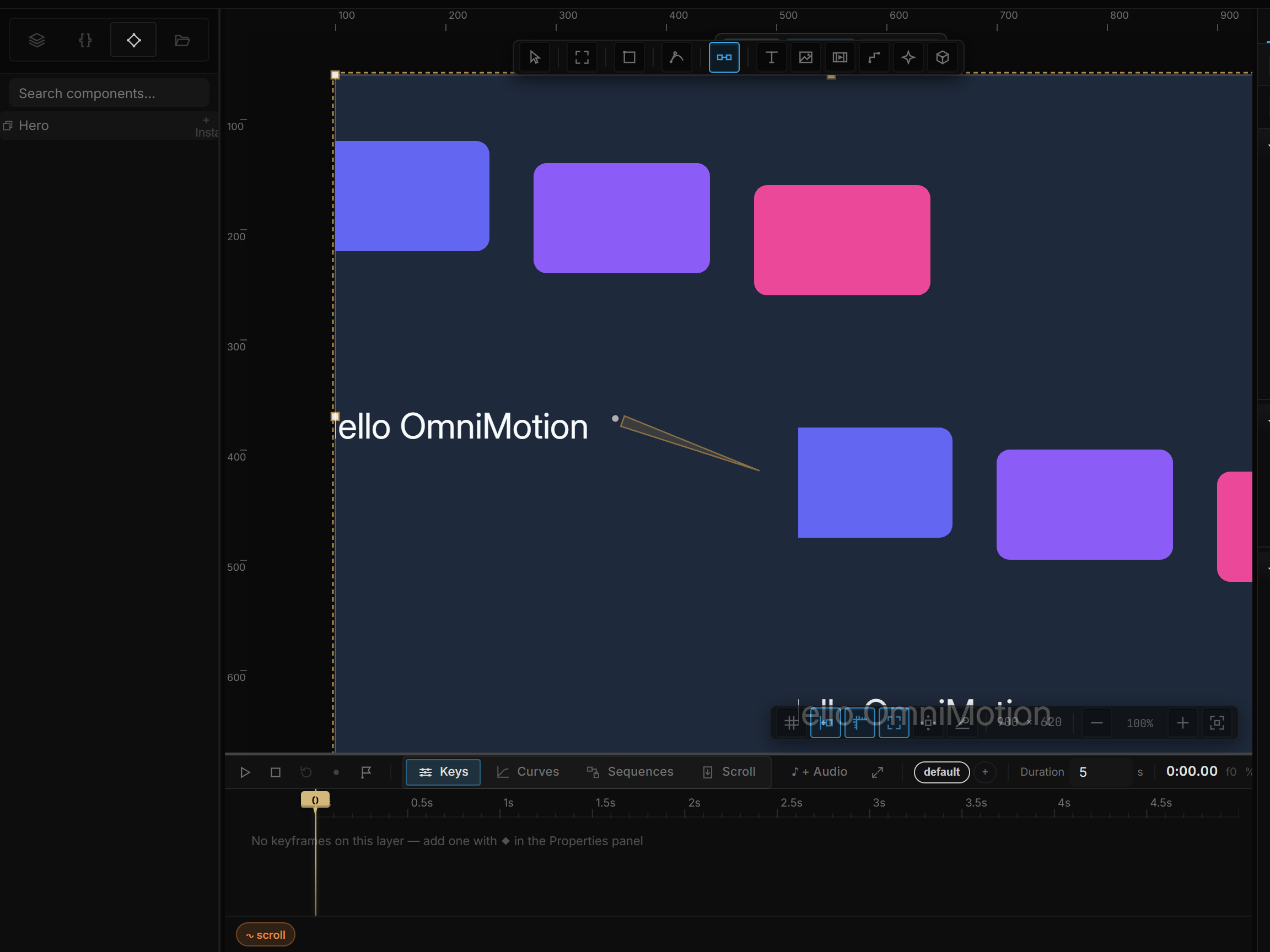
More than a flat image
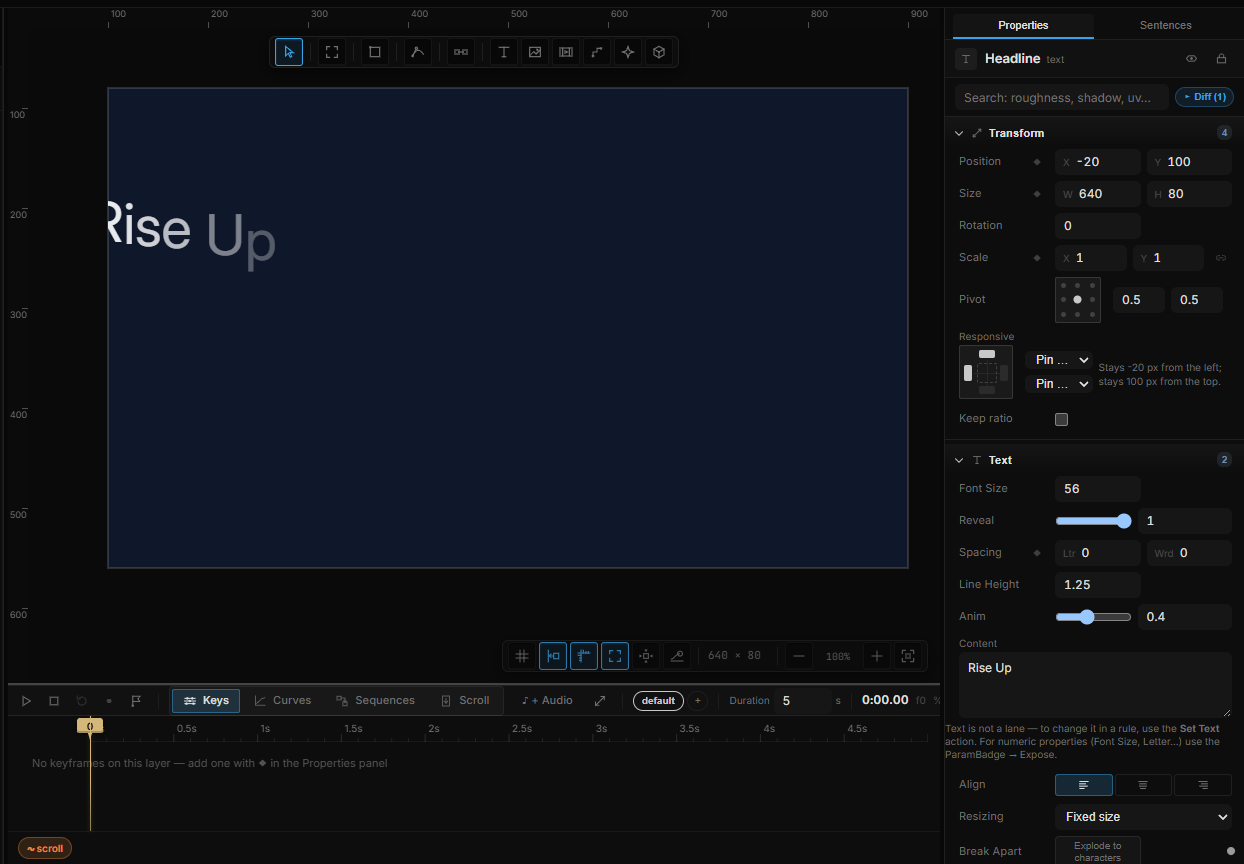
Combine media with styling, masks and blend modes. Explore text animation, bones and deformation when individual elements need their own motion or shape changes.
Go deeper
Continue with the feature guides below. Draft labels describe the documentation status.