02 / Effects
A different look. The same scene.
Stack and reorder effects, choose their scope, and animate their values or connect them to live inputs.
Start here: Effects & scopeLayer or Effect Layer
Apply an effect to an individual layer, or use an Effect Layer for a broader treatment. Choose the scope of the change before building the look.
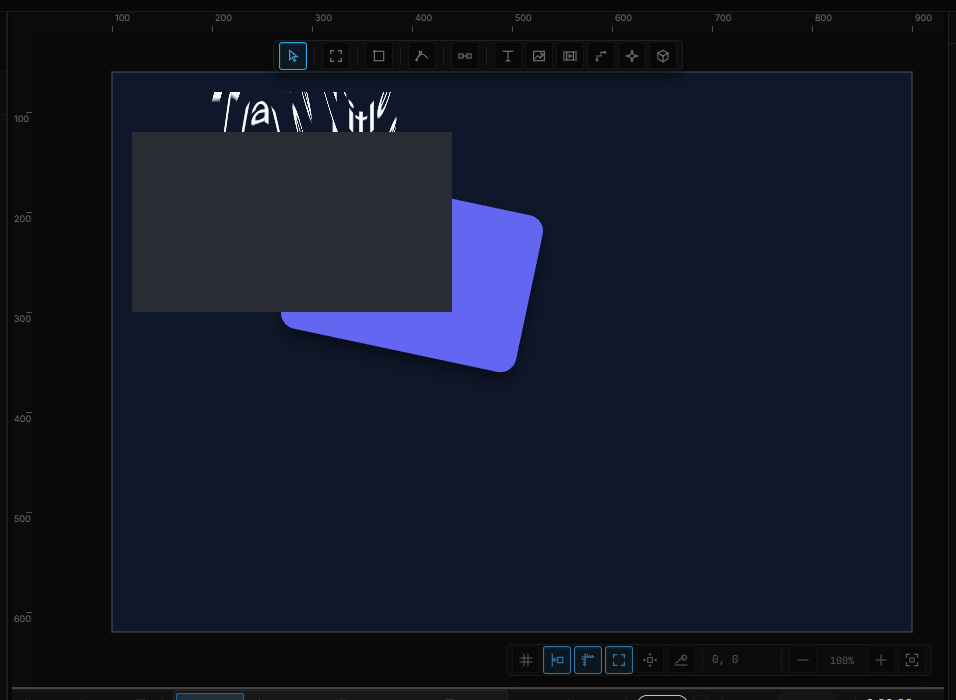
Build a stack
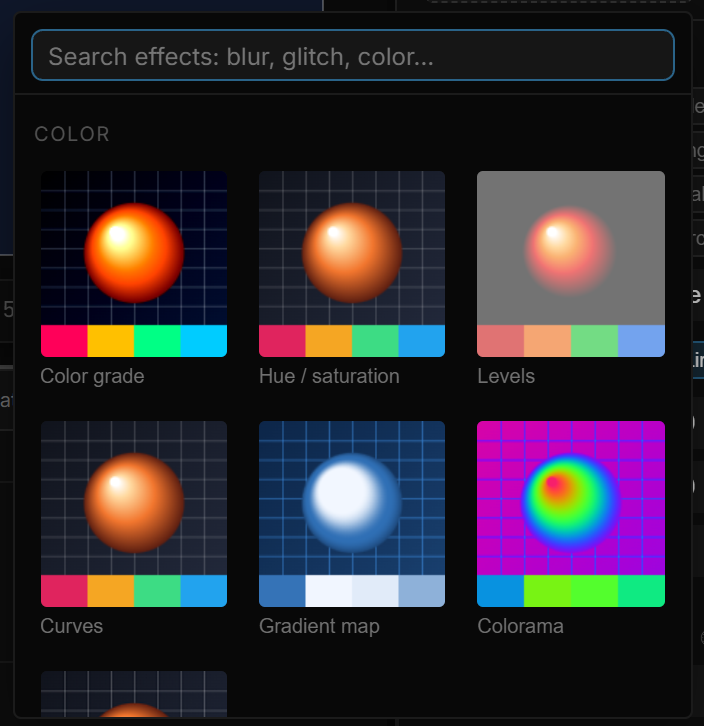
Explore blur, color, distortion, stylization and light. Combine effects and adjust their order and properties to develop the treatment your scene needs.
Animate the look
An effect does not have to stay constant. Animate its properties or connect them to an input, so the visual treatment changes along with the experience.

Go deeper
Continue with the feature guides below. Draft labels describe the documentation status.