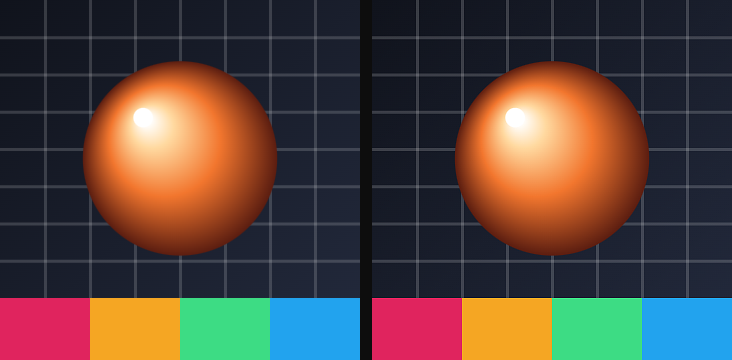
The seven effects in the Color group of the catalog, in the order the catalog lists them. Each entry gives the parameters as the card shows them, with their range and default; parameters behind ▸ Advanced are in a second table. Every effect here keeps the layer's transparency exactly as it was — only the colors change.
01Color grade
The everyday four-knob grade: exposure, brightness, contrast and saturation in one card.
Use it for: making a photo pop, flattening a background so text reads, a one-click black and white.
Presets: Punch (more contrast and color), Flat (lifted, low-contrast, muted), Mono (no color, a little contrast).
| Parameter | Range · default | What it changes |
|---|---|---|
| Exposure | −3 – 3 · 0 | Overall light, in stops: +1 doubles the brightness, −1 halves it |
| Brightness | −1 – 1 · 0 | Adds or removes the same amount from every pixel |
| Contrast | −1 – 2 · 0 | Pushes values away from mid-grey (positive) or toward it (negative) |
| Saturation | −1 – 2 · 0 | Color intensity; −1 is fully grey, values above 0 over-saturate |
Advanced
| Parameter | Range · default | What it changes |
|---|---|---|
| Mix | 0 – 1 · 1 | Blend between the original (0) and the full effect (1) |
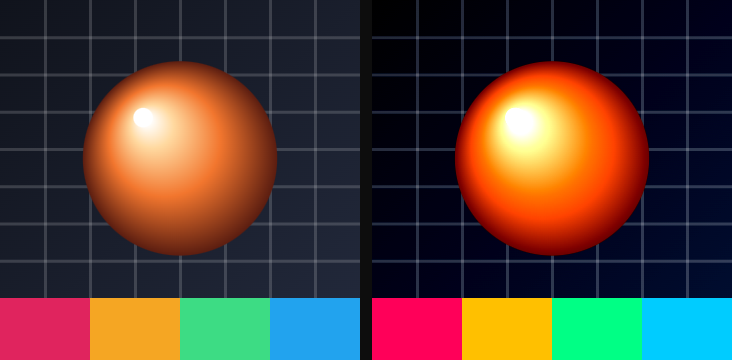
02Hue / saturation
Rotates every color around the wheel and shifts how vivid and how light it is.
Use it for: recoloring an illustration without repainting it, cycling a brand color, muting a busy image.
| Parameter | Range · default | What it changes |
|---|---|---|
| Hue | any angle · 0° | Rotation around the color wheel; 180° swaps every color for its opposite |
| Saturation | −1 – 1 · 0 | Added to every pixel's saturation; −1 is grey, +1 fully vivid |
| Lightness | −1 – 1 · 0 | Added to every pixel's lightness |
Advanced
| Parameter | Range · default | What it changes |
|---|---|---|
| Mix | 0 – 1 · 1 | Blend between the original and the full effect |
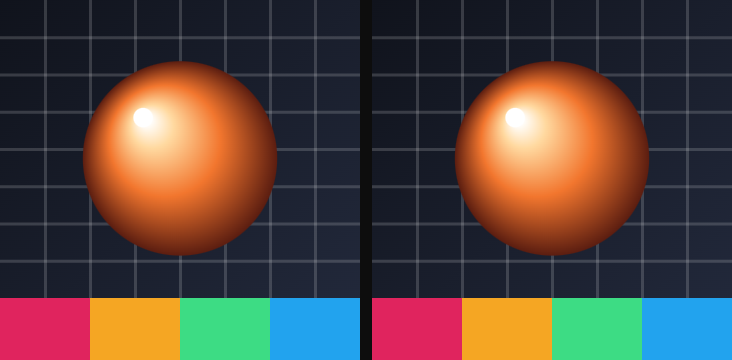
03Levels
Sets which input values count as black and white, bends the middle with a gamma, and optionally limits the output range.
Use it for: rescuing a washed-out image, crushing blacks, a faded-film look with lifted output black.
| Parameter | Range · default | What it changes |
|---|---|---|
| In black | 0 – 1 · 0 | Input value that becomes black; raise it to deepen shadows |
| In white | 0 – 1 · 1 | Input value that becomes white; lower it to brighten highlights |
| Gamma | 0.1 – 4 · 1 | Midtone curve; above 1 lightens the middle, below 1 darkens it |
Advanced
| Parameter | Range · default | What it changes |
|---|---|---|
| Out black | 0 – 1 · 0 | Darkest value the result may contain; raise it for a faded look |
| Out white | 0 – 1 · 1 | Brightest value the result may contain |
| Mix | 0 – 1 · 1 | Blend between the original and the full effect |
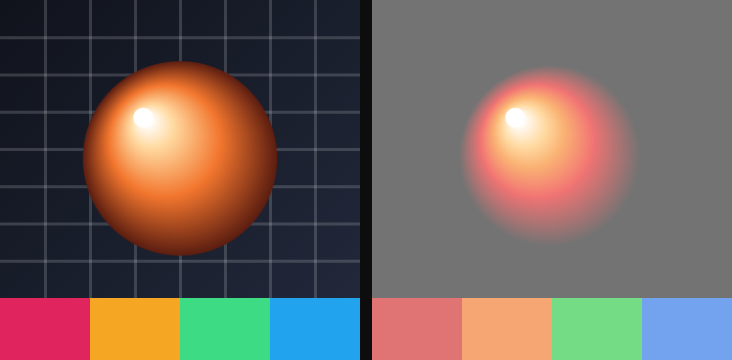
04Curves
A tone curve with four handles — lift the shadows, bend the midtones, roll the highlights, and add contrast — applied to red, green and blue alike.
Use it for: a cinematic S-curve, a matte finish with milky shadows, fine-tuning after a Color grade.
| Parameter | Range · default | What it changes |
|---|---|---|
| Shadows | −0.5 – 0.5 · 0 | Lifts (positive) or sinks (negative) the dark end |
| Midtones | 0.2 – 3 · 1 | Gamma of the middle; above 1 lightens, below 1 darkens |
| Highlights | −0.5 – 0.5 · 0 | Pushes the bright end up or rolls it off |
| Contrast | −1 – 1 · 0 | Steepens or flattens the whole curve around mid-grey |
Advanced
| Parameter | Range · default | What it changes |
|---|---|---|
| Mix | 0 – 1 · 1 | Blend between the original and the full effect |
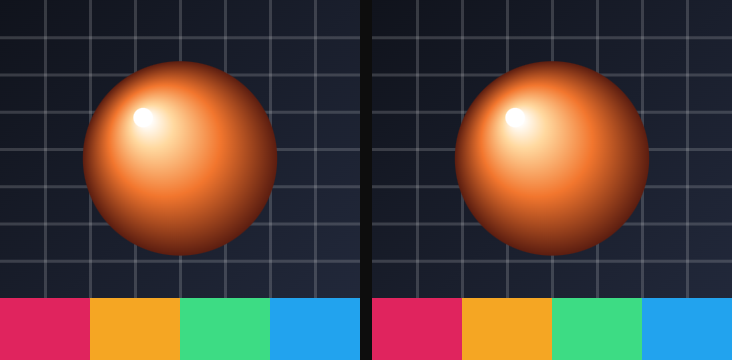
05Gradient map
Replaces every color by its brightness, then paints that brightness with a three-stop gradient: one color for shadows, one for the middle, one for highlights.
Use it for: duotone posters, a night-vision or infrared look, unifying photos from different sources under one palette.
Presets: Duotone (navy to blue to white), Sunset (deep purple, magenta, gold), Toxic (black-green to green to acid yellow).
| Parameter | Range · default | What it changes |
|---|---|---|
| Shadow | color · #1a0033 | Color painted where the picture is darkest |
| Mid | color · #c2185b | Color painted at mid-brightness |
| Highlight | color · #ffd54f | Color painted where the picture is brightest |
Advanced
| Parameter | Range · default | What it changes |
|---|---|---|
| Pivot low | 0 – 1 · 0.35 | Brightness at which Shadow has fully become Mid |
| Pivot high | 0 – 1 · 0.7 | Brightness at which Mid has fully become Highlight |
| Mix | 0 – 1 · 1 | Blend between the original and the full effect |
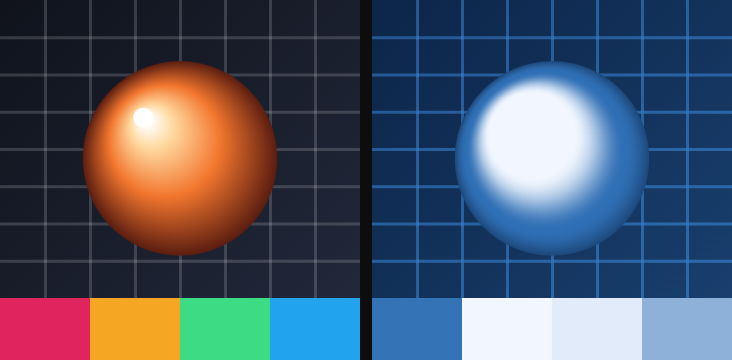
06Colorama
Maps brightness onto a looping palette and slides the palette along with time — the classic cycling-color effect. Has a clock.
Use it for: psychedelic backgrounds, a heat-map look, animated fills that never repeat exactly.
| Parameter | Range · default | What it changes |
|---|---|---|
| Palette | Rainbow / Fire / Solar / Spectrum · Rainbow | Which palette brightness is mapped onto: a full rainbow, red to yellow, a black-white-black ramp, or a shifted rainbow |
| Phase | any angle · 0° | Where the palette starts; turn it to slide colors across the picture by hand |
| Speed | 0 – 5 · 0 | Cycles per second the palette slides on its own; at 0 it holds |
Advanced
| Parameter | Range · default | What it changes |
|---|---|---|
| Mix | 0 – 1 · 1 | Blend between the original and the full effect |
Motion: Timeline / Free run / Static — see The effect clock.
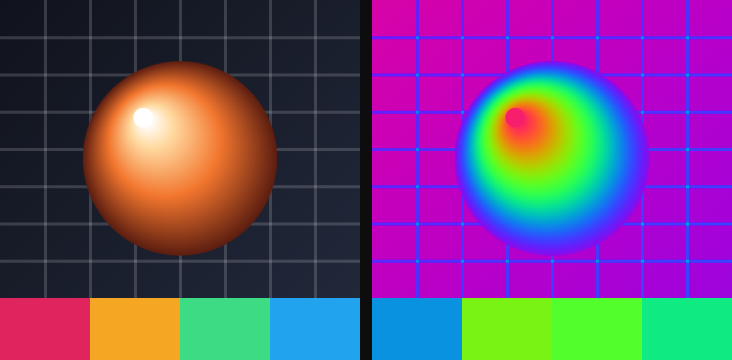
07Sharpen
Exaggerates the difference between each pixel and a small blur of its surroundings, which makes edges crisper.
Use it for: bringing back detail after a blur or a downscale, a harder look on soft footage.
| Parameter | Range · default | What it changes |
|---|---|---|
| Amount | 0 – 4 · 0.6 | Strength of the edge boost; high values ring and add noise |
| Radius | 0.2 – 8 · 1 | Size of the detail being boosted, in pixels; small for fine texture, large for broad edges |
Advanced
| Parameter | Range · default | What it changes |
|---|---|---|
| Mix | 0 – 1 · 1 | Blend between the original and the full effect |