Inside an artboard in play mode, any layer you draw can be the pointer — a dot, a ring, a hand, an animated blob. The system cursor hides and your layer follows the mouse.
01Quick tour
- Draw the cursor you want inside the artboard — an ellipse, a small group, anything.
- Select the artboard and pick Custom Cursor from + Add.
- Set Layer to the layer you drew. Press Play and move the mouse.
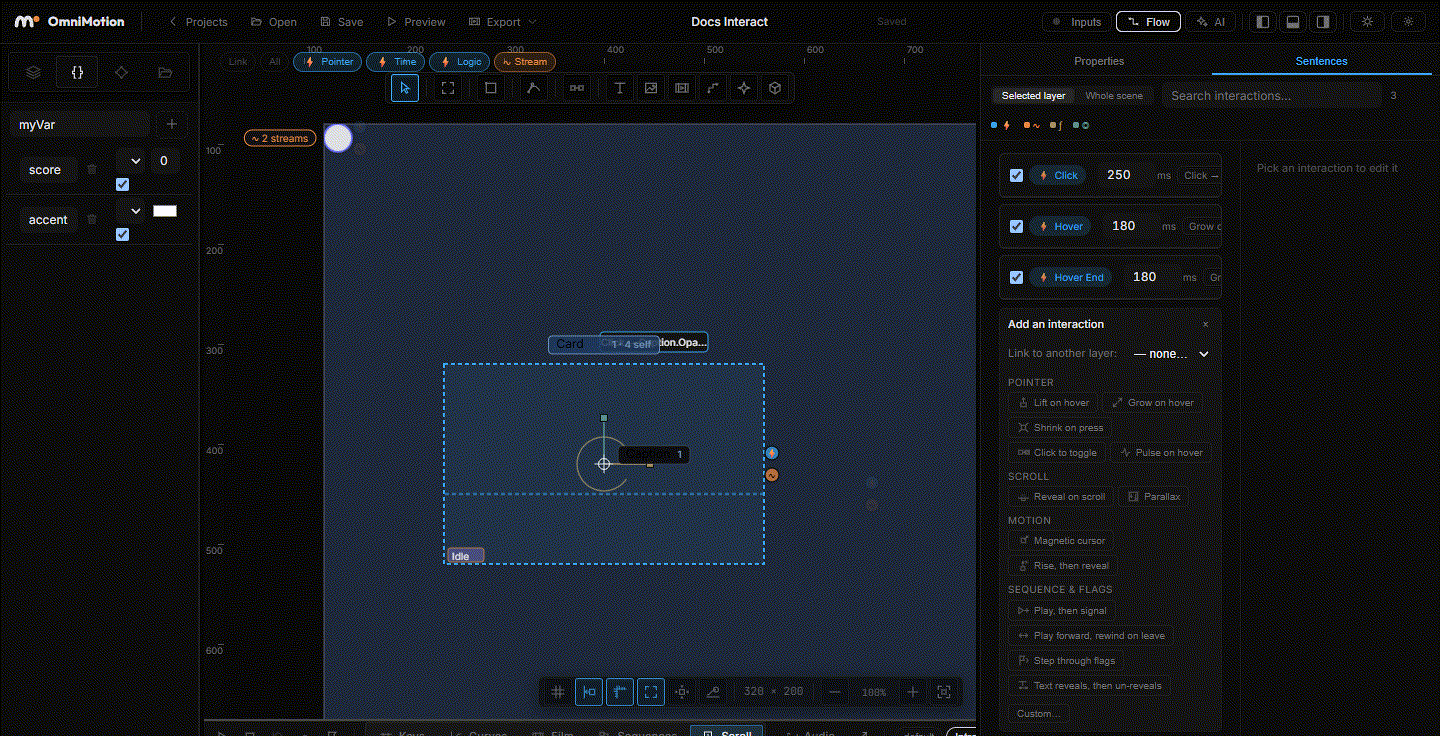
02The Custom Cursor section
The ability lives on the artboard, not on the cursor layer:
| Row | What it does |
|---|---|
| Layer | Which child of this artboard follows the pointer. The list only offers layers inside the artboard |
| Hotspot | X and Y offset, in px, between the pointer and the layer's origin — where the "tip" of your cursor is |
| Hide OS | Hide the system cursor while playing. On by default |
That is the whole ability. Everything else — how the cursor looks, how it animates — is ordinary layer work.
03Things worth knowing
- It only runs in play mode. In the editor the layer sits where you left it, so you can style it.
- The cursor layer is transparent to clicks. Hovers and clicks pass through it to whatever is underneath, so a big blob cursor won't stop the buttons below from reacting.
- Add behaviour with rules. The cursor layer can have interactions of its own: Hover on a button → Motion Pose on the cursor layer makes it grow over targets (Motion Pose). A Mouse proximity stream bound to its Scale makes it magnetic (Streams & variables).
- Instances share it. The ability belongs to the artboard, so an instance of a master with a custom cursor gets the same cursor.
For a smooth "lagging" cursor, don't bind the cursor layer's position to the mouse yourself — the ability already places it. Instead, draw a second layer, bind its X and Y to Mouse X / Y in artboard through a Smooth or Spring step, and use that as the trailing ring.
Checked against the tool on 2026-09-03.