A Data Repeater draws one layer many times and fills each copy from a row of data — a product grid from an API, a list of names, a ring of avatars. You design one card; the data decides how many there are and what each one says. It is an ability you add to a layer in the Properties panel, like a shadow or a layout.
It is not an array. The rows live in a list (Variables tab → Lists); the Repeater prints them. The same rows can be edited in either place.
Three cousins are easy to confuse:
| What decides the copies | Guide | |
|---|---|---|
| Virtual Repeat | A count you type — every copy looks like the master | Design |
| Data Repeater | A row of data — each copy can show a different field | This page |
| Clones | Visual only — how 3D copies sit and look. Not a list | 3D |
Data Repeater is the one where each copy is different because a row says so. In + Add it reads Print from a list — each copy is a row.
01Adding it
Select the layer that will be the template — a shape, a text, an artboard you use as a card, or a 3D mesh — and click + Add › Data Repeater. It links to your first list — or, if the scene has none, makes a list called Products with two rows — and one copy appears per row. Nothing is bound yet, so they all look the same. On a mesh, this card is the list and Clones is only the look (ring, grid, effects).
02Layout
Layout decides where the copies go; the rows below it change with the choice.
| Layout | Extra controls |
|---|---|
| Linear | Gap between copies |
| Grid | Gap and Columns |
| Flex (wrap) | Gap — copies wrap to a new line when they run out of room |
| Radial | Center, Radius, Radius Δ (added on each copy, for spirals), Arc Start / Span, Rotate w/ Arc and, with it on, Face Outward |
| Circle | The same controls as Radial |
If the host layer already has a Layout ability, the linear, grid and flex layouts read their gap, columns and wrapping from there too — the section says so.
Two switches shape the copies themselves:
- Content Only — do not draw the template's own background on the copies, only its children. Turn this on when the template is an artboard used as a card so the artboard rectangle is not repeated.
- Hide Master — with a plain count, hides the original and shows only the copies. Once data drives the repeater this switch goes away: every row is content, none is a master.
03Data
Data picks where the rows come from:
| Data | What you give it |
|---|---|
| List | A list from the Variables tab (Data sources). Its items are editable right here, and Name renames it. New next to the picker makes another list. Two repeaters can share one list; a text or a map can read the same rows |
| Count | A Rows count and a small table, one line per copy (#1, #2…), one box per binding |
| JSON | Rows of your own. Rows of objects show as the same item editor; anything else shows as JSON text |
| URL | A feed fetched from a URL — see below |
The number of copies follows the rows; with Count, the Rows number.
JSON and URL carry Share as list: the rows become a list in the Variables tab and the repeater switches to List — the way to let a headline, a counter or a second repeater read the same data.
URL
- URL — the endpoint. It must allow browser requests from other origins; if it does not, the status line says so.
- Path — where the array is inside the response, as a dotted path such as
data.items. Leave it empty when the response is the array. - Refresh — how often, in seconds, to fetch again while the scene plays. 0 fetches only when the scene loads and when you press Fetch now.
- Fetch now — fetch immediately. The status line reads the last attempt: 12 rows · 14:02, loading…, or the error.
The last successful fetch is kept inside the scene file. Open the scene with no network and the copies show that saved snapshot — the status says N rows (saved snapshot) until a fetch succeeds.
04Bindings — what each copy shows
A binding connects one field of the data to one layer in the template. Click + Binding and a row appears with three pickers:
- The field — the list is read from your first row, nested paths included (
user.avatar.url). Pick custom… to type a path that is not there. - The target layer — (template itself) or any child of the template, by name. Name the layers in your card before you bind; a renamed layer shows as (missing) until you pick it again.
- What it sets — Text for a text layer's content, Fill for a color, Image URL for an image, or Property plus a fourth picker for any numeric property of that layer: X, Opacity, Font Size…
The first + Binding guesses for you: the first field of the data into the first text child. Remove a binding with ×.
Children are matched by name, so a template with layers called Name, Price and Photo and rows with name, price and image fields takes three bindings and no code.
05Cascade — how the copies enter
Below the bindings, Cascade animates the copies in. Switch Enable on and choose a Rule:
| Rule | What it does | Its controls |
|---|---|---|
| Sequence | Copies enter one after another | Order (Index, Reverse, Random, Center), Stagger / Duration ms (80 / 400 by default), Easing |
| Focus | The copy at the focus is fully in; the others fall back to their start state with distance | Focus / Range |
| Wave | The start state ripples across the copies | Frequency / Phase — animate Phase and the wave travels |
From sets where a copy starts — Fade Up, Fade In, Slide Left, Slide Right, Scale Pop — and the eight fields under it (X / Y, Z / Rot X°, Rot Y° / Angle°, Scale / Opacity) let you edit that start state freely. The preset stays the base; Reset to preset clears your changes.
Progress is the cascade's own clock, 0–100, and it carries a badge like every property: keyframe it to play the entrance on the timeline, or bind it to scroll progress so the cards arrive as the page scrolls.
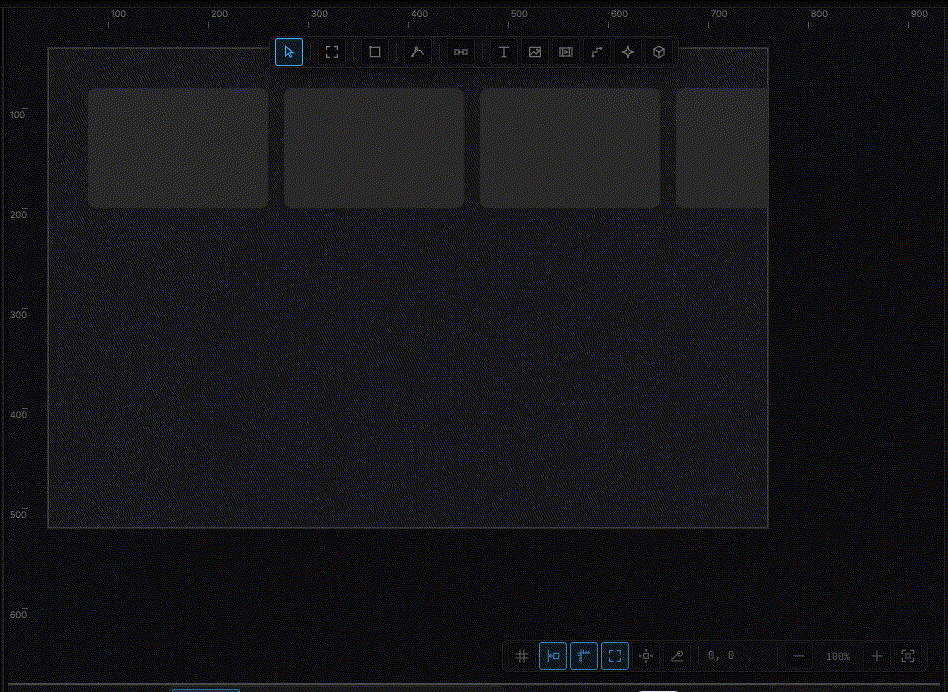
Cascade also exists on its own: a group or artboard without a repeater can take the Cascade ability from + Add to stagger its real children the same way.
06Copies in rules and streams
Wherever a value is asked for, the Copies group offers Copy index (0, 1, 2…), Copy progress (0 → 1 across the set — a free stagger for anything you bind) and Clicked copy, the index of the copy last clicked, so one rule on the template can react to whichever card the visitor chose.
When the repeater reads a list, the row itself is reachable too: {Products.clicked.name} in a text template, or data('Products','clicked','price') in a stream, is the field of the copy the visitor clicked; hover is the copy under the pointer. See Data sources.