Describe it. Then make it yours.
Ask the assistant to edit layers, keyframes, effects and interaction rules. Refine the result by hand or undo an entire AI turn in one step.
Start here: The AI assistantAn editable starting point
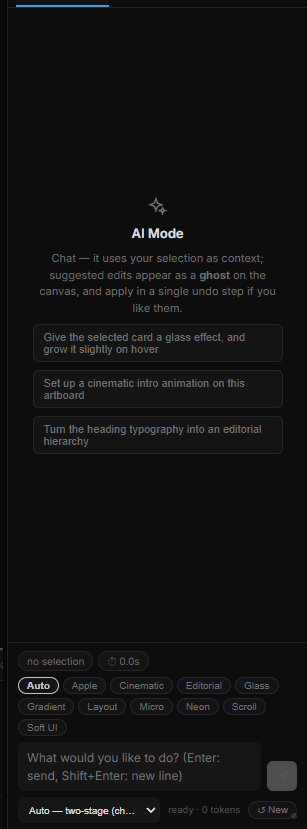
Describe the composition you want to build. The assistant can work with scene elements and their properties, providing a starting point you can inspect and refine in the editor.
Keep directing the result
Ask for changes to a layer, animation or interaction. Move between prompting and manual editing as the idea develops, keeping the creative decisions in your hands.
Scene operations you can inspect
The assistant works with the same layers, properties, keyframes, effects and visual rules as the editor. Its result remains available in the panels for manual editing.
See the supported operationsA whole turn, one undo
Undo an entire scene-changing AI turn in one step. The history picker can also restore the scene after an earlier turn.
See how undo and history workPrompt with intention
Specify the objects, their arrangement and the behavior you want. Request a focused change, review it, then continue. The documented assistant focuses on scene editing; model integrations depend on the available release.
Describe your next changeGo deeper
Continue with the feature guides below. Draft labels describe the documentation status.