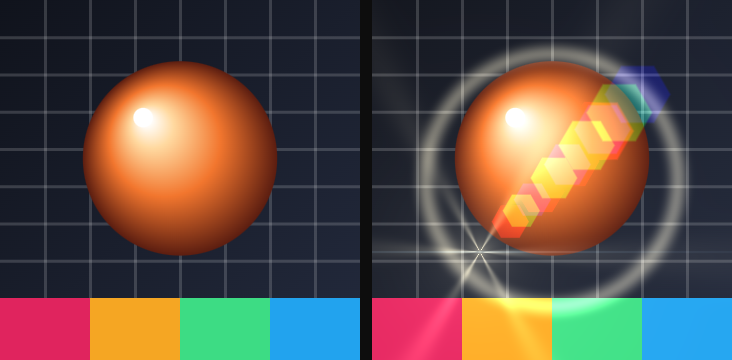
The six effects in the Light group of the catalog, in the order the catalog lists them. Each entry gives the parameters as the card shows them, with their range and default; parameters behind ▸ Advanced are in a second table. Lens flare is the one in this family with a clock — Timeline / Free run / Static — on The effect stack.
01Vignette
Darkens (or tints) the edges so the middle holds the eye.
Use it for: a portrait, a still that feels like a lens, pulling a busy frame together.
| Parameter | Range · default | What it changes |
|---|---|---|
| Intensity | 0 – 2 · 0.6 | How dark the edge is |
| Size | 0.05 – 1.5 · 0.5 | How far the clear center reaches |
| Softness | 0.01 – 1 · 0.4 | How gradual the falloff is |
Advanced
| Parameter | Range · default | What it changes |
|---|---|---|
| Tint | color · #000000 | Color of the edge; black is a classic dim, a hue is a gel |
| Mix | 0 – 1 · 1 | Blend between the original and the full effect |
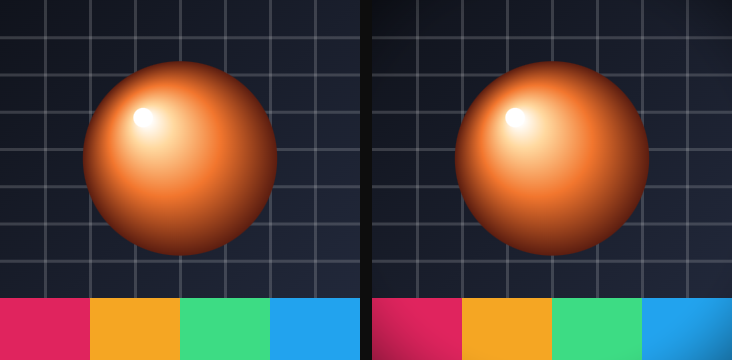
02Bloom
Glows the brightest parts of the picture out into their neighbors.
Use it for: a neon sign, a sunlit window, a title that needs to feel lit.
| Parameter | Range · default | What it changes |
|---|---|---|
| Threshold | 0 – 1 · 0.6 | How bright a pixel must be to bloom |
| Intensity | 0 – 4 · 0.8 | Strength of the glow |
| Radius | 0.5 – 8 · 2 | How far the glow spreads |
Advanced
| Parameter | Range · default | What it changes |
|---|---|---|
| Mix | 0 – 1 · 1 | Blend between the original and the full effect |
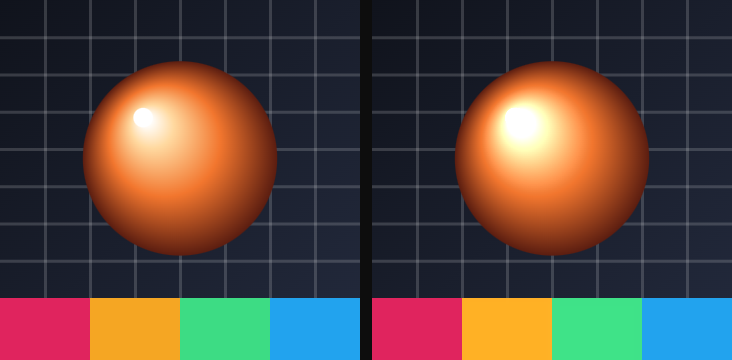
03Halation
A warm, film-like glow that leaks off highlights — redder than Bloom, and slower to fall off.
Use it for: a 16 mm still, a street light at night, skin that catches a window.
| Parameter | Range · default | What it changes |
|---|---|---|
| Threshold | 0 – 1 · 0.7 | How bright a pixel must be to leak |
| Intensity | 0 – 3 · 0.5 | Strength of the leak |
| Hue | any angle · 20° | Color of the leak; 20° is a warm amber |
Advanced
| Parameter | Range · default | What it changes |
|---|---|---|
| Diffusion | 0.5 – 16 · 3 | How far the leak travels |
| Knee | 0.01 – 0.5 · 0.1 | Softness of the threshold; a higher knee eases more midtones in |
| Mix | 0 – 1 · 1 | Blend between the original and the full effect |
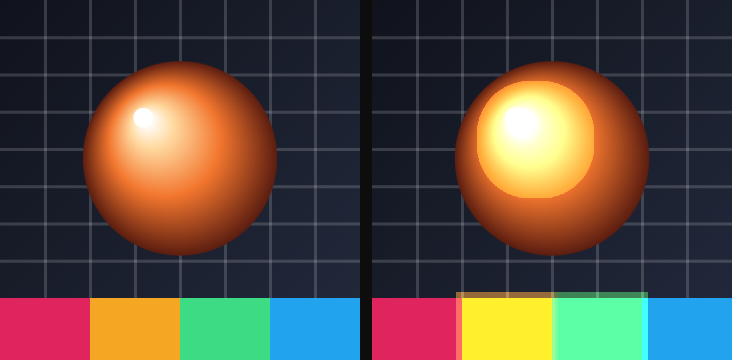
04Neon edge
Finds the outlines and paints them as a glowing line.
Use it for: a wireframe logo, a night-city card, type that looks powered.
| Parameter | Range · default | What it changes |
|---|---|---|
| Thickness | 0.2 – 8 · 1 | Width of the line |
| Glow | 0 – 8 · 2 | How far the line blooms |
| Color | color · #38bc78 | Color of the line |
Advanced
| Parameter | Range · default | What it changes |
|---|---|---|
| Source | Luma / Alpha / Both · Both | What counts as an edge: brightness, the layer's outline, or both |
| Threshold | 0 – 0.5 · 0.02 | How strong a change must be to count as an edge |
| Mix | 0 – 1 · 1 | Blend between the original and the full effect |
05Radial wipe
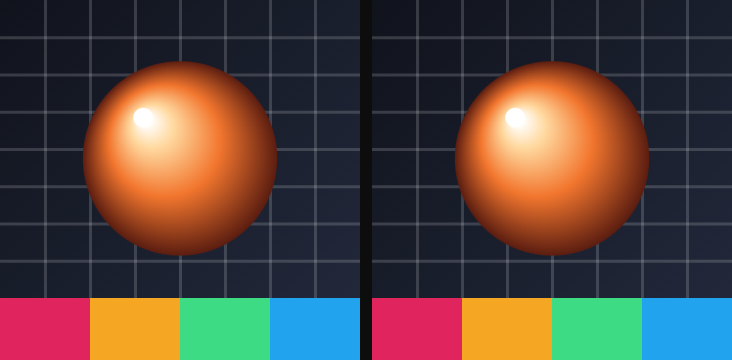
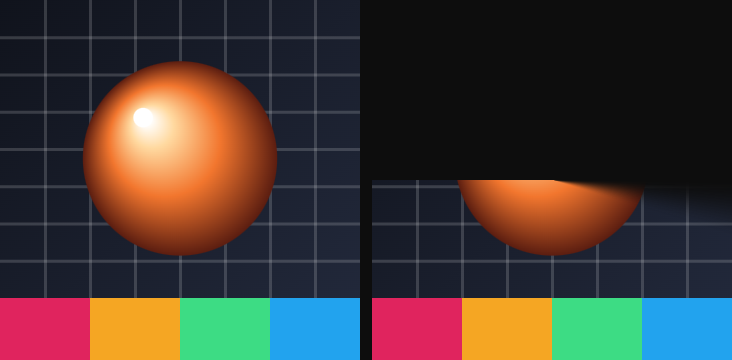
Reveals the picture as a circle growing from a point — or hides it the other way.
Use it for: an iris in, a clock wipe, a spotlight that opens.
| Parameter | Range · default | What it changes |
|---|---|---|
| Progress | 0 – 1 · 0.5 | How far the wipe has opened; keyframe this |
| Softness | 0.001 – 0.5 · 0.05 | Feather on the leading edge |
Advanced
| Parameter | Range · default | What it changes |
|---|---|---|
| Center X | −0.5 – 0.5 · 0 | Horizontal offset of the iris |
| Center Y | −0.5 – 0.5 · 0 | Vertical offset of the iris |
06Lens flare
A sun, ghosts, a streak and a star — the optical junk a bright light leaves on a lens. Has a clock; Speed starts at 0 so it holds still until you move it.
Use it for: a sun in frame, a night drive, a title that needs a cheap cinema hit.
| Parameter | Range · default | What it changes |
|---|---|---|
| Intensity | 0 – 300 · 60 | Overall brightness of the flare |
| Color | color · #ffde00 | Color of the sun and the ghosts |
| Sun X | −0.5 – 1.5 · 0.3 | Horizontal position of the sun |
| Sun Y | −0.5 – 1.5 · 0.3 | Vertical position of the sun |
Advanced
| Parameter | Range · default | What it changes |
|---|---|---|
| Ghosts | 0 – 8 · 4 | How many reflected orbs |
| Ghost sides | 0 – 12 · 6 | Facets on each ghost |
| Halo | 0 – 1 · 0.35 | Ring around the sun |
| Streak | 0 – 200 · 40 | Horizontal anamorphic streak |
| Star rays | 0 – 24 · 6 | Spikes on the sun |
| Chromatic | 0 – 1 · 0.2 | Color split on the ghosts |
| Speed | 0 – 5 · 0 | Cycles per second; at 0 the flare is a still |
| Mix | 0 – 1 · 1 | Blend between the original and the full effect |
Motion: Timeline / Free run / Static.