Give a layer a Physics Body and it falls, bounces, can be dragged and thrown, and collides with its neighbours — in play mode, without a single keyframe. The artboard's Physics World sets the gravity everything inside it feels.
For meshes inside a Scene3D, use 3D Physics instead — phys is 2D pixel physics and is not offered on a Mesh3D.
01Quick tour
- Select a shape, + Add → Physics Body. The artboard gets Earth gravity at the same time.
- Draw a wide rectangle under it, add Physics Body, set Body to Static — that's the floor.
- Press Play in the artboard's pill. The shape drops, bounces and settles. Drag it and let go: it flies.
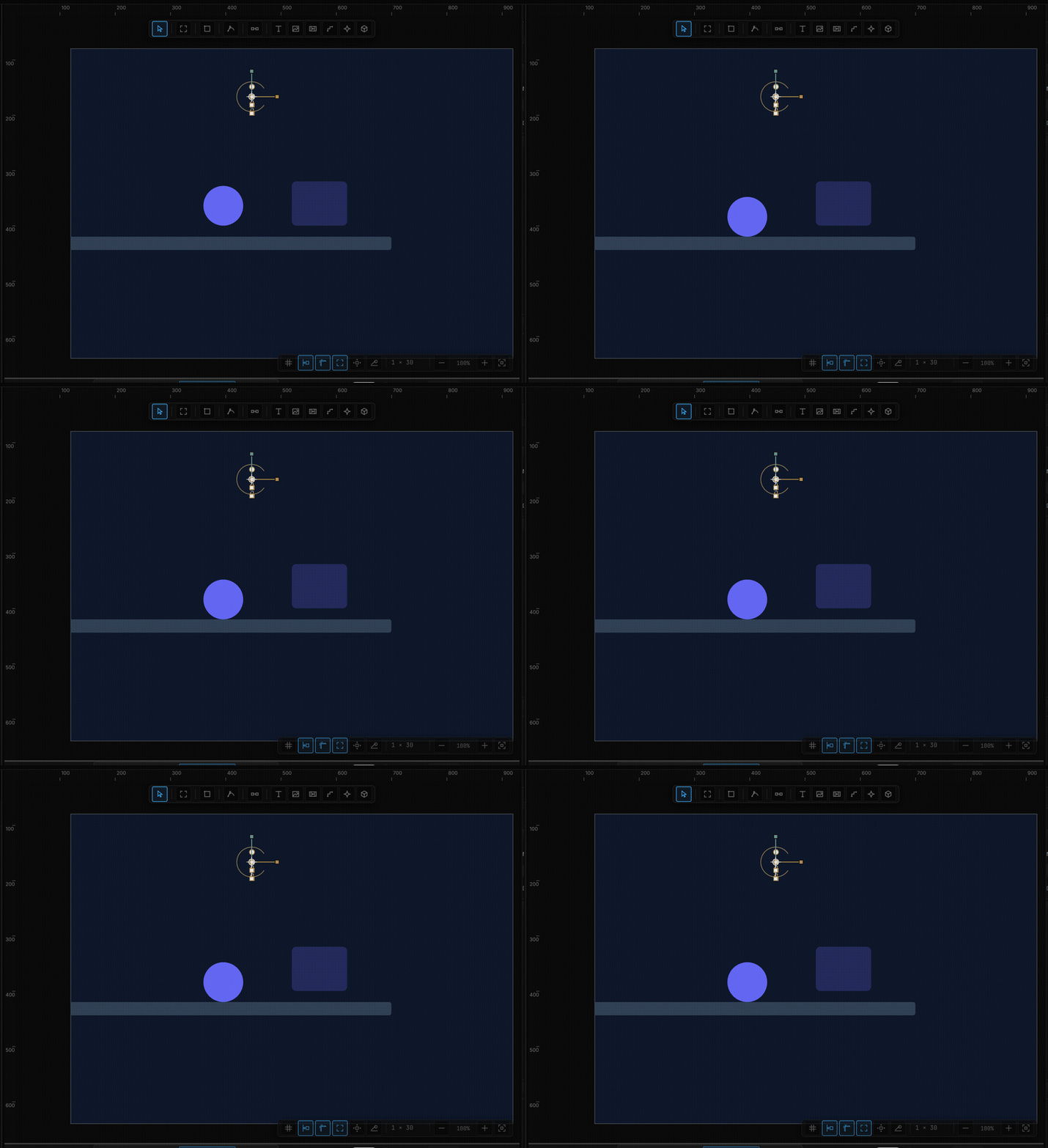
Physics only runs in play mode. In the editor, bodies stay where you put them.
02Physics Body
The section starts with the body type, and shows only the rows that matter for it:
| Body | Behaviour |
|---|---|
| Dynamic | Simulated — falls, bounces, gets pushed |
| Static | Immovable ground or wall. Costs nothing; dynamic bodies always collide with it |
| Kinematic | Your keyframes and tweens move it; it pushes dynamic bodies but is never pushed |
| Row | What it does |
|---|---|
| Shape | Auto (ellipse = circle), Box, Circle — the collision outline |
| Sensor | A zone that reports Sensor Enter / Sensor Exit and nothing bounces off it |
| Rotate | Tumble on impact — boxes fall onto a face, circles roll. Off locks the orientation |
| Bounce | 0–1, how much energy survives a hit. Default 0.35 |
| Friction | 0–1, surface grip and damping. Default 0.12 |
Dynamic bodies add:
| Row | What it does |
|---|---|
| Gravity | Multiplier on the world's gravity. 1 is normal, 0 floats, −1 falls up |
| G Override | Extra gravity for this body only, X and Y in px/s², on top of the world |
| Mass | Two fields: mass (impulse share and throw divisor, 1 is neutral) and a speed cap in px/s (0 = unlimited; default 2400) |
| Lock | Freeze X or Y |
| Bounds | Collide with the parent's box — walls and floor for free — plus an inner padding in px |
| Bodies | Collide with other dynamic bodies (statics always collide) |
| Draggable | Drag it with the pointer in play mode; Throw keeps the velocity on release |
| Drag Feel | Throw strength (×) and follow smoothing (0 = the body sticks to the pointer) |
If the body has no gravity to fall with, the section says so — No gravity here — it won't fall on its own — and points you to the artboard's Physics World or a G Override.
03Physics World
Adding a Physics Body to a layer gives its artboard an Earth-gravity world automatically. To change it, select the artboard and open Physics World (add it from + Add if the section isn't there):
| Row | What it does |
|---|---|
| Gravity | Zero-G, Earth (980 px/s² downward), or Custom |
| Vector | gX and gY in px/s² — down is positive |
Every dynamic body inside the artboard multiplies this by its own Gravity row.
04Seeing the colliders
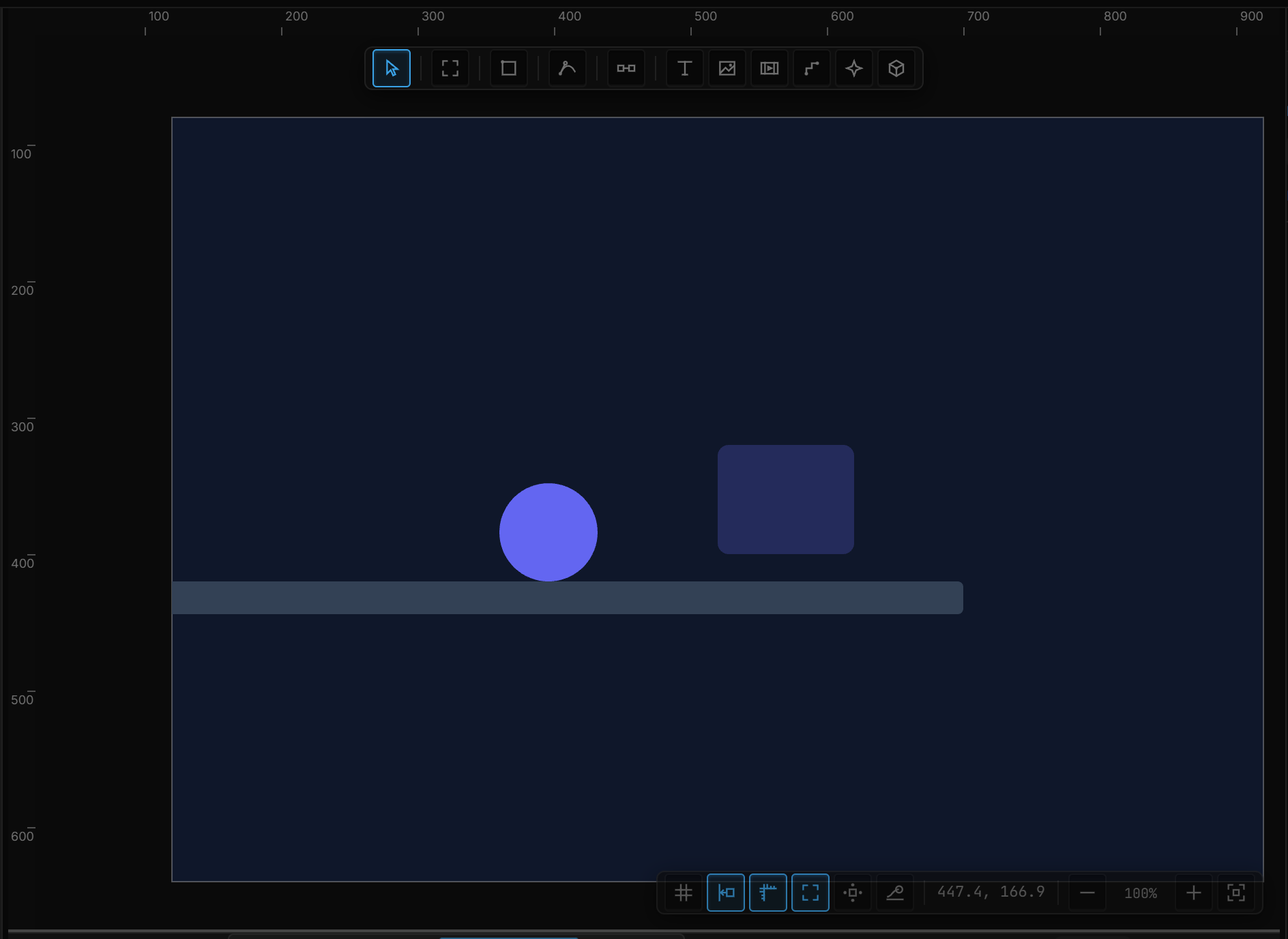
The ⚛ button in the view bar (bottom right of the canvas) outlines every physics body: static bodies in teal, dynamic in gold, sensors dashed. Leave it on while you tune shapes — an ellipse that is really a box, or a floor that ends too early, is obvious at a glance.
05Reacting to contact
Physics feeds Sentences with its own triggers:
| Trigger | Fires |
|---|---|
| Collide | Every frame two bodies touch |
| Collide Start | The first frame of a contact |
| Sensor Enter / Sensor Exit | A body enters or leaves a sensor zone |
| Drag Start / Drag Move / Drag End | A draggable body is picked up, moved, released |
A sensor under a basket plus Sensor Enter → Emit Signal is the whole scoring system of a small game.
06Throwing from a rule
The Physics action gives a rule a hand on a body:
| Setting | Values |
|---|---|
| Target | The body |
| Command | Impulse (add velocity), Set velocity, Stop, Enable body, Disable body, Wake |
| X / Y velocity | px/s, for Impulse and Set velocity. Right and down are positive — a negative Y throws upward. The default is 0 / −600 |
Velocities take a stream, so a click can throw a ball harder the further the pointer is from it.
Text Physics does the same for a text layer's letters: Drop (letters fall & scatter) and Reset (back in place). The entrance itself — Anim, Fx, presets — is Text animation.
07Parameter recap
| Setting | Default |
|---|---|
| Body · Shape | Dynamic · Auto |
| Bounce · Friction | 0.35 · 0.12 |
| Gravity (scale) · G Override | 1 · 0, 0 |
| Mass · speed cap | 1 · 2400 px/s |
| Bounds · Bodies | on · on |
| Draggable · Throw | on · on |
| Throw strength · follow smoothing | 1 · 0 |
| World gravity | Earth (0, 980) once a body exists |