03 / Animation
Make time part of the design.
Shape movement with keyframes, easing and the graph editor. Connect sequences and use Motion Pose for pose-based animation.
Start here: Timeline & keyframesTimeline & keyframes
Choose a property and define how it changes over time. Keyframes let you set specific moments while curves shape how the movement travels between them.

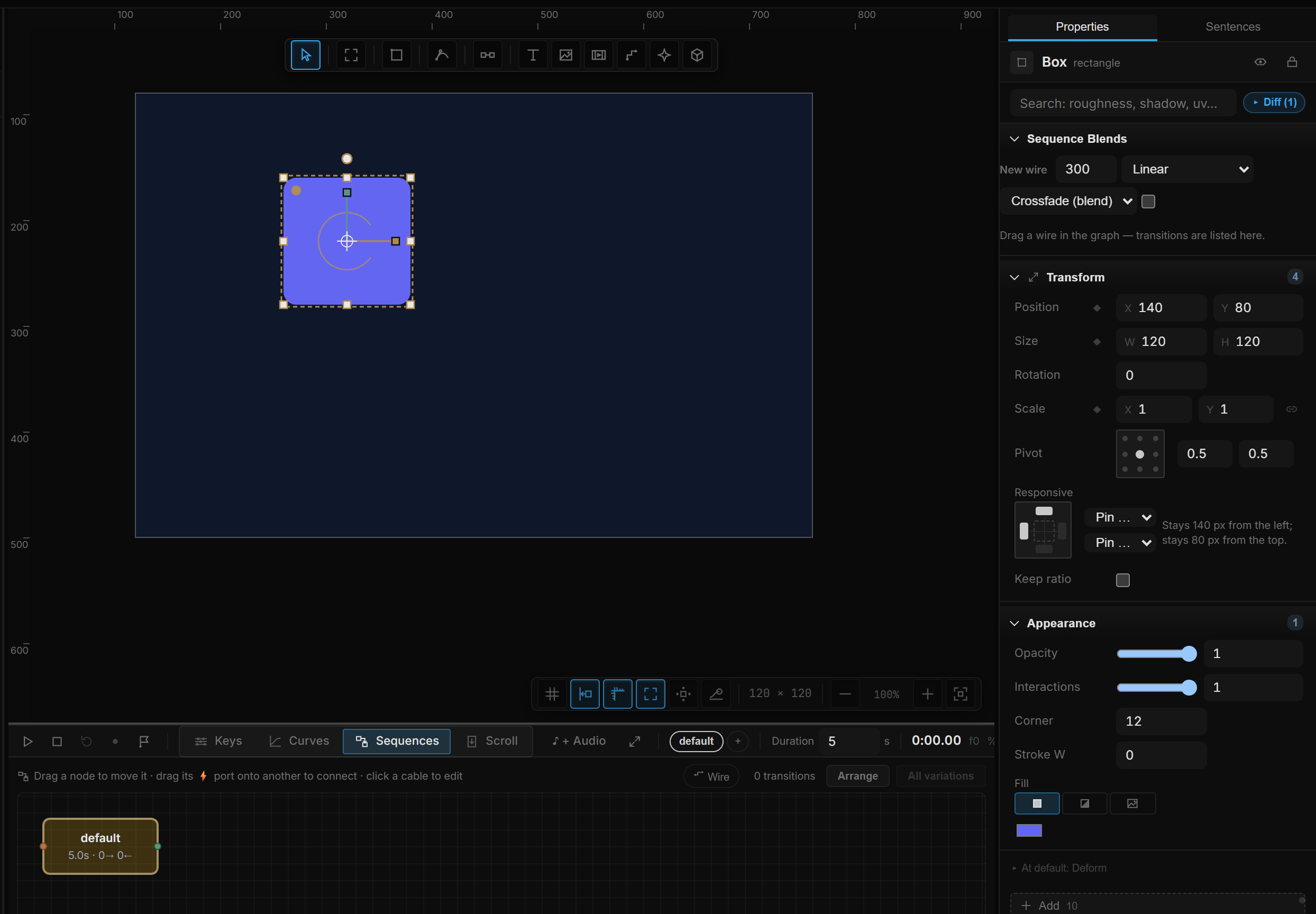
Sequences & cues
Organize animation into sequences and mark moments with flags. These provide points of reference when timing several parts of a scene or connecting playback to an interaction.
Motion Pose & physics
Explore pose-based motion and physics alongside the timeline. The guide separates these approaches so you can choose the behavior that fits the scene.
Go deeper
Continue with the feature guides below. Draft labels describe the documentation status.