OmniMotion is a design and motion studio that runs in your browser. You draw the way you would in a design tool, animate on a timeline, wire up interactions in plain language, and hand the result to people as an image, a video, or a scene that actually responds when they click and scroll. Nothing in this guide asks you to write code.
01What a scene is
A scene is one project: everything you have drawn, every animation, every interaction, and every file you imported. It lives in your browser as a project on the Projects screen. Ctrl+S writes that project here. To take it to another machine, Export → Project file (.omni) — one gzipped file that carries the scene and the files you imported, images and 3D models included.
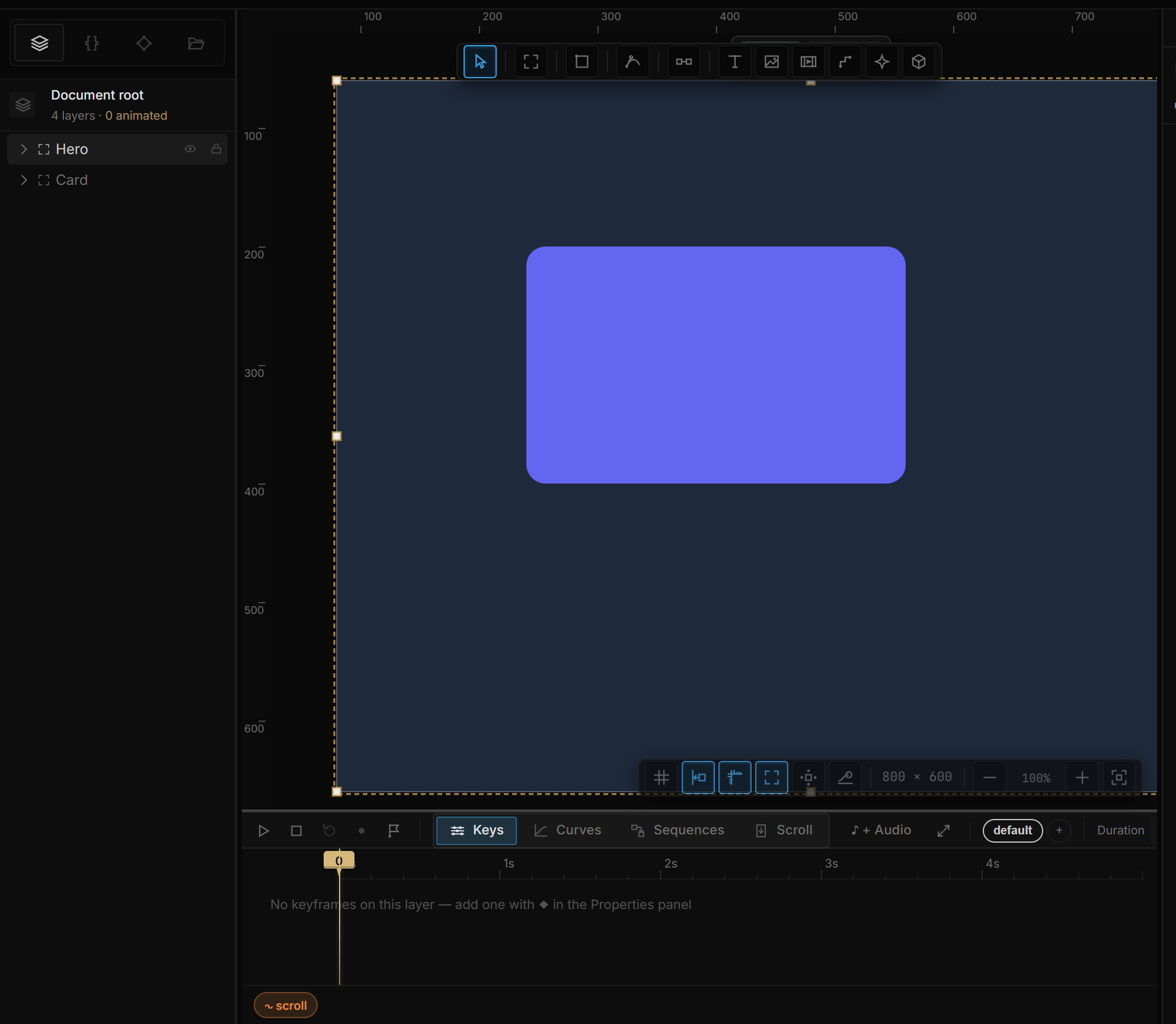
Inside a scene you design on artboards: frames of a fixed size that hold layers. One scene can have many artboards side by side — screens of an app, size variants, a component and its instances. The artboard is also the unit you publish: when you preview or record a video, you choose an artboard, not a scene. A still image can also be just one layer — a button, a card.
02What you can make
- Still designs — layouts, cards, posters, typographic pieces, with effects like blur, glass, glitch and bloom applied live.
- Motion — keyframed animation on a timeline, with easing curves, named sequences, and transitions between them.
- Interactive scenes — hover, click, press, drag, key and scroll behaviors, scroll-driven storytelling, state machines.
- 3D — a real 3D scene inside your design: meshes, imported models, extruded text, materials, lights, clones and fields.
- Reactive visuals — values driven by sound, the microphone, the mouse, or data from a file or a web endpoint.
03What you can publish
| Output | How | Good for |
|---|---|---|
| A PNG (1x, 2x or 3x) or an SVG of a page or a single layer | Export → PNG image / SVG vector | Placing a still anywhere, handing a vector to code |
| A WebM video of the timeline | Export → Video (WebM) | Sharing motion where interaction isn't needed |
| An interactive scene in the player | Preview, or the player page with a scene file | Letting someone experience the real thing |
| A scene on a web page | The runtime and the player component | Embedding in a site |
Each of these has a page in the Publish category.
04The four ideas
Everything in the tool is built from four ideas. You'll meet them again and again, so here they are once:
- Layers have properties. A rectangle has a position, a size, a fill, an opacity. A 3D light has a color and an intensity. Every property is a value you can type, scrub, or hand to something else.
- Time is a sequence. A sequence is a named timeline of keyframes. A scene can hold several — an intro, a loop, a hover reveal — and rules decide which one plays when.
- Behavior is a sentence. "When this is clicked, fade that in." Every interaction reads like that, and there are only two kinds: a moment (something happens once) and a stream (a value flows every frame).
- Values can come from outside. Scroll position, the mouse, an audio band, a variable — any of them can drive any property, live.
The next page builds a scene with all four; How the tool thinks explains each in more depth.